
SubjectPaid lesson
DATABASE MANAGEMENT II
CT
ClassNotes Team 5 MIN READUPDATED 4 OCT 2026DATA PROCESSING SSS1 THIRD TERM
WEEK 9
DATABASE MANAGEMENT II
Contents
Database packages are used to design a database in a computer. An example of a common database package is Microsoft Access. MS Access is a Relational Database Management System used to create and modify databases.
USING MS- ACCESS FOR DATABASE
To create a database on the computer with MS Access
Load MS Access: do the following;
- Click on the Start Menu
- Point to All program
- Point to Microsoft Office
- Click on Microsoft Office Access
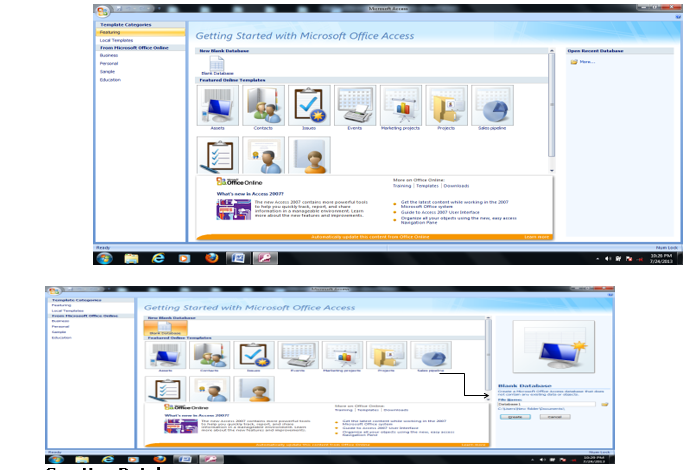
Creating Database
- From the displayed window, click on the blank database.
- By the right-hand side of the windows, where the arrow is pointing in the picture screen above, click inside the file name text box…